
Customer satisfaction
Read customer ratings alongside answer feedback.
Customer satisfaction scoring, usually shortened to CSAT, shows how the people you support rate the answers they get from the AI. Each rating is a number from 1 to 5, and the results roll up into an average and a breakdown you can read at a glance.
CSAT scoring is available on Pro and Enterprise, and in the self-hosted edition. On other plans the CSAT panel in Analytics shows an upgrade link instead of results.
How customers rate an answer
When answerLoops answers a question automatically, it follows the answer with a short prompt asking the customer to rate it. The customer reacts to the prompt with a number emoji from 1️⃣ to 5️⃣.
- Ratings are recorded from reactions on Discord and Slack.
- The prompt appears after answers the AI posted on its own. Drafts your team approves and sends by hand do not get one.
- Each rating is attached to the ticket it belongs to and counted in your workspace totals.
Read the results
Open Analytics and find the Customer satisfaction (CSAT) panel. It shows:
| Figure | What it tells you |
|---|---|
| Avg. rating | The mean of all submitted ratings, out of 5 |
| Total ratings | How many responses you have received |
| Distribution | A bar for each score from 5★ down to 1★, showing how many customers chose it |
Until the first rating arrives the panel shows "No ratings yet". An empty panel is not a good or bad result, just an absence of data.
Interpret the numbers
- Read the count with the average. A handful of ratings can swing the result a lot, so a 4.8 from five responses means less than a 4.3 from two hundred.
- Use low ratings as a starting point. Open the ticket behind a low score, read the answer the customer received, and check whether the knowledge base behind it was missing or out of date. A score points you at an answer to look into; it does not diagnose the cause.
CSAT is not the same as thumbs up or down
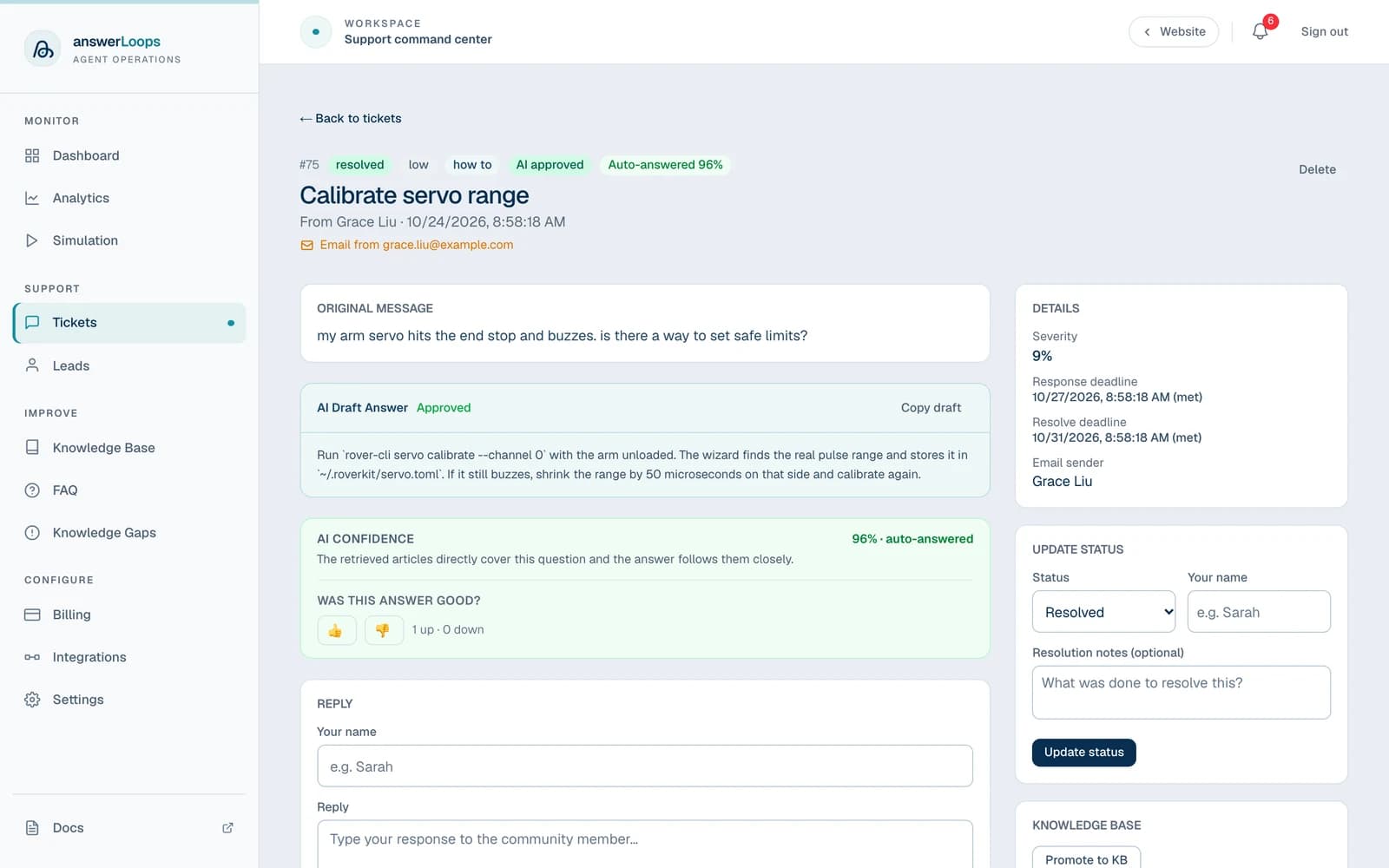
CSAT is a customer's rating of the answer they received. Separately, an answer can be marked good or bad with thumbs up or down, either from the buttons on the ticket page or by a 👍 or 👎 reaction on the answer. That feedback is a different measure and appears in Answer quality by category, not in the CSAT panel.
See Analytics for how each metric is calculated.