
Automatic replies
Configure answer review and automatic replies for connected channels.
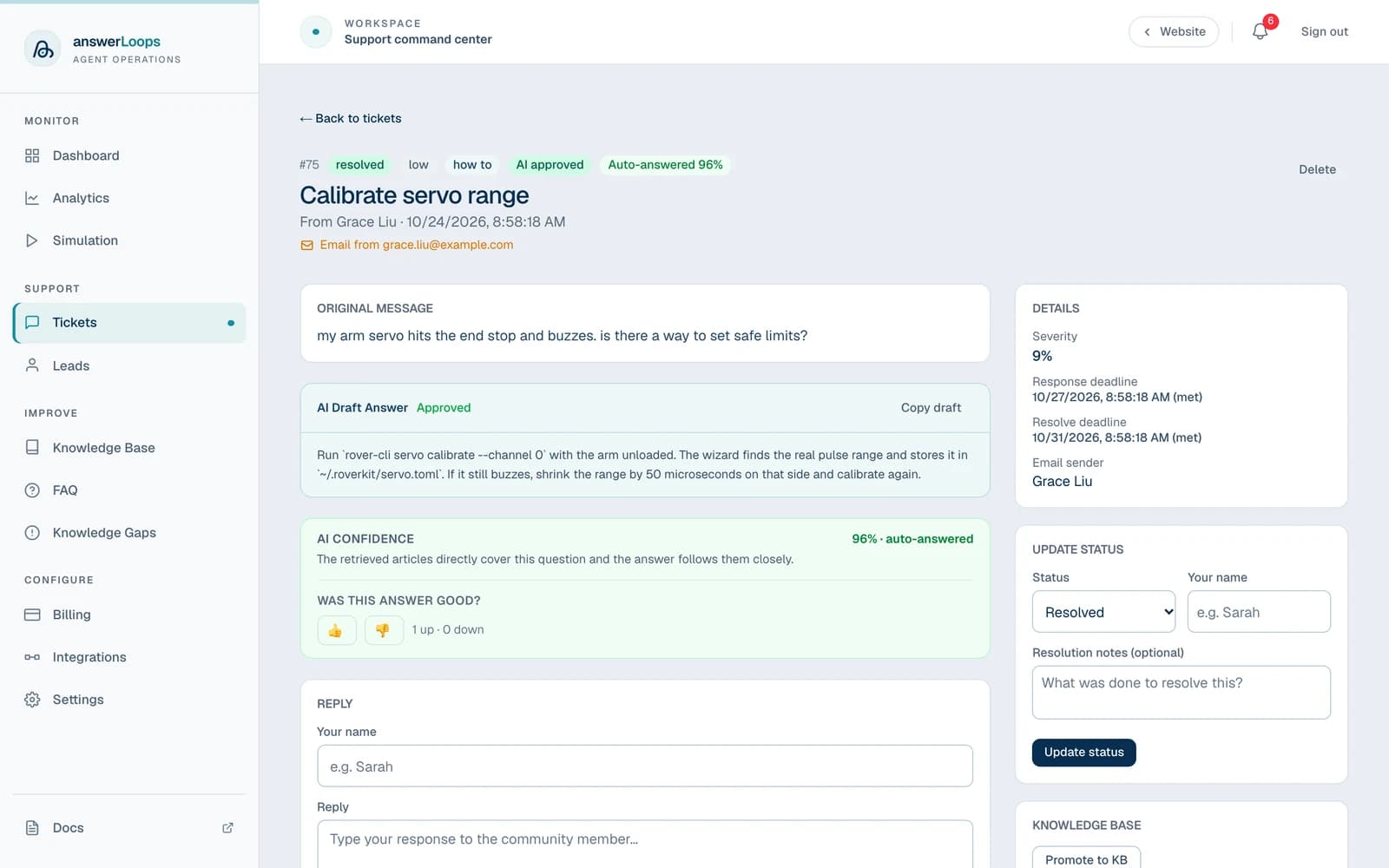
When someone asks a question in a connected channel, answerLoops drafts an answer from your knowledge base, has a second AI check that draft, and then either posts it for you or holds it for your team. An answer that resolves a question without a person stepping in is called a deflection, and you will see that word on the dashboard and in Analytics.
You decide how much trust to give the AI. Two settings control it: a confidence threshold (how sure the reviewer must be) and Automatic Deflections (whether qualifying answers are posted for you at all).
How an answer is prepared
It comes in through any connected channel and becomes a ticket.
It searches your knowledge base and your team's earlier answers to similar questions. If you have connected GitHub repositories, the AI can also search the code.
The reply is based on that material.
A second AI step checks the draft against the question and assigns a confidence score from 0 to 1. It also judges whether the draft answers the question fully.
A draft that clears your threshold and fully answers the question is posted automatically when Automatic Deflections is on. Everything else waits for your team in the ticket queue.
Why there are two AI steps
We call this dual-agent review. The first agent drafts; a separate agent checks that draft before a score is assigned. The score therefore reflects whether the reviewer found the draft supported by the evidence, not how confident the drafting agent was in its own output. See why we built it this way.
When a question is not covered by your knowledge base or your team's earlier answers, it is also added to the Review queue (Pro and above) so a person can approve a proper answer for next time.
Set how much the AI posts on its own
Confidence threshold
The default threshold is 0.8 on a scale from 0 to 1. A higher threshold makes automatic replies more selective. A lower one lets more drafts qualify. Neither setting guarantees an answer is correct, so inspect the draft and its sources before you change it.
You set the threshold per channel in its settings. GitHub repositories always use the default of 0.8.
Automatic Deflections
Automatic Deflections is off by default for newly connected channels and GitHub repositories. While it is off, nothing is posted automatically, even for a high-confidence draft.
| Setting | What happens to a draft that clears the threshold |
|---|---|
| Off | Your team reviews the draft and approves it before anything is sent. The customer receives no automated answer. |
| On | The answer is posted automatically, with a prompt for the customer to react with a thumbs up or down and, afterward, a request to rate it from 1 to 5. See Customer satisfaction. |
Drafts that do not qualify stay in the ticket queue for your team, and human escalation routing can notify the right person on eligible plans. The setting also governs the automated replies for bug reports and feature requests described in Tickets.
Your plan includes a monthly allowance of automatic answers. On a plan with a hard limit, once it is used up, qualifying drafts go to your team instead of posting. See Billing.
Change the setting
Open Settings and select the platform or GitHub repository.
Open the channel's configuration for editing.
Set the confidence threshold and the Automatic Deflections option, then save. GitHub repository cards use an inline checkbox for Automatic Deflections.
Send a representative question and check the ticket and the reply. Test against current documentation before you enable automatic replies, and use different settings for channels with different review needs.
Circle is ingest-only: answerLoops reads Circle questions and prepares drafts, but never posts to Circle. Copy an approved draft into Circle yourself.
Knowledge search and model configuration
The search step selects relevant content before drafting. Two numbers are easy to confuse. The retrieval similarity score says how closely a piece of content matches the question's wording, and the confidence score says how well the reviewer judged the finished answer. A close text match does not by itself establish that the answer is correct.
Configure the chat and embedding services (embeddings are the numeric fingerprints used to match questions to content) in AI Model. If you change the embedding model, re-import your knowledge so the stored vectors match it.